
Prompts for cards & invitations
4 prompts
 Premiumfr
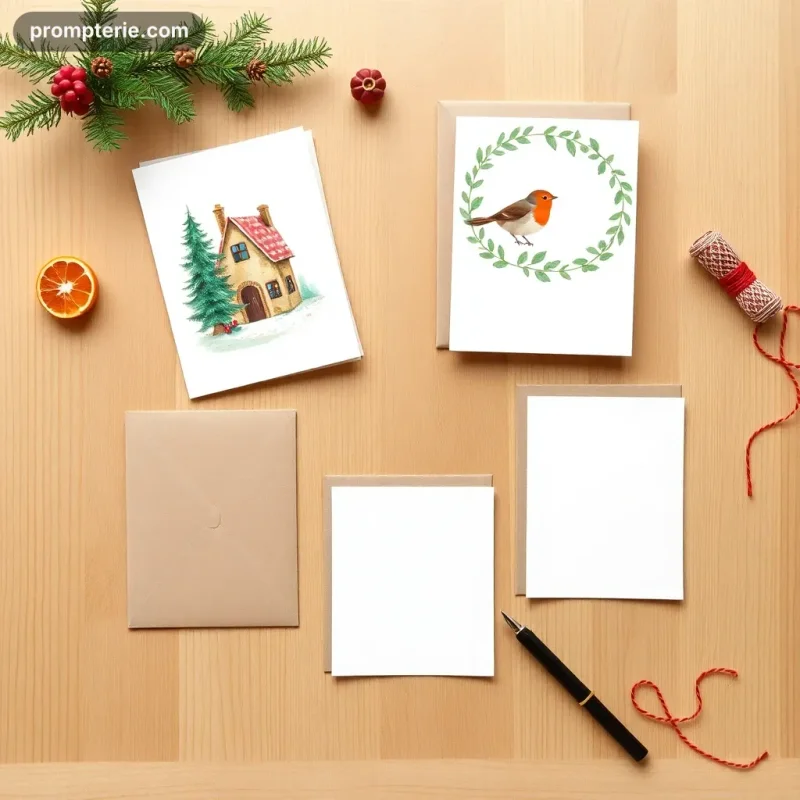
Printable Christmas Greeting Card: a Set of 4 Illustrated Cards Matching Your Style
by La Prompterie
 Freefr
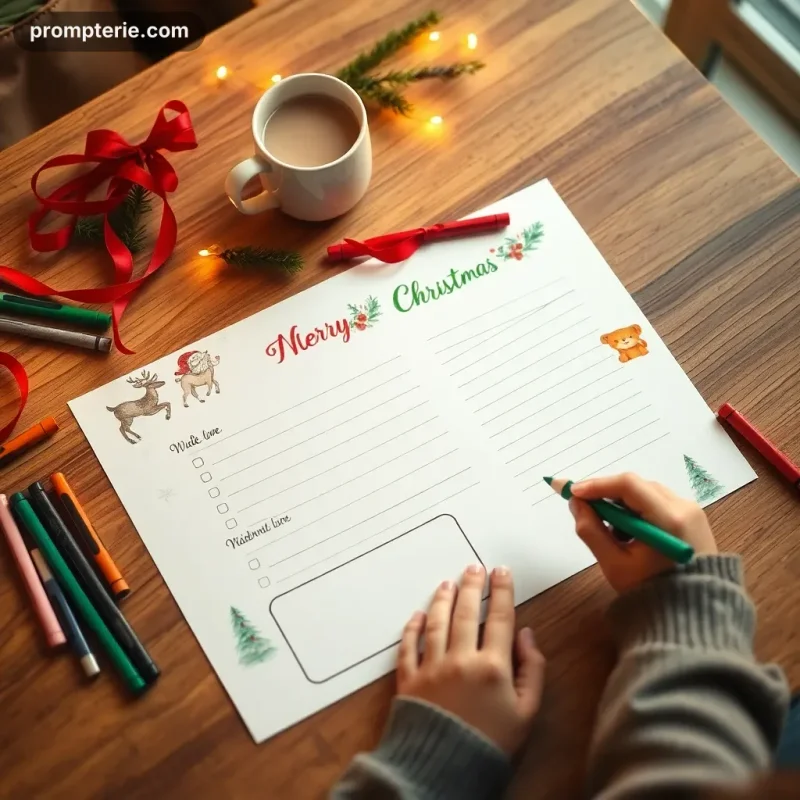
Printable Letter to Santa: an Illustrated Page Your Child Fills In and Decorates
by La Prompterie
 Freefr
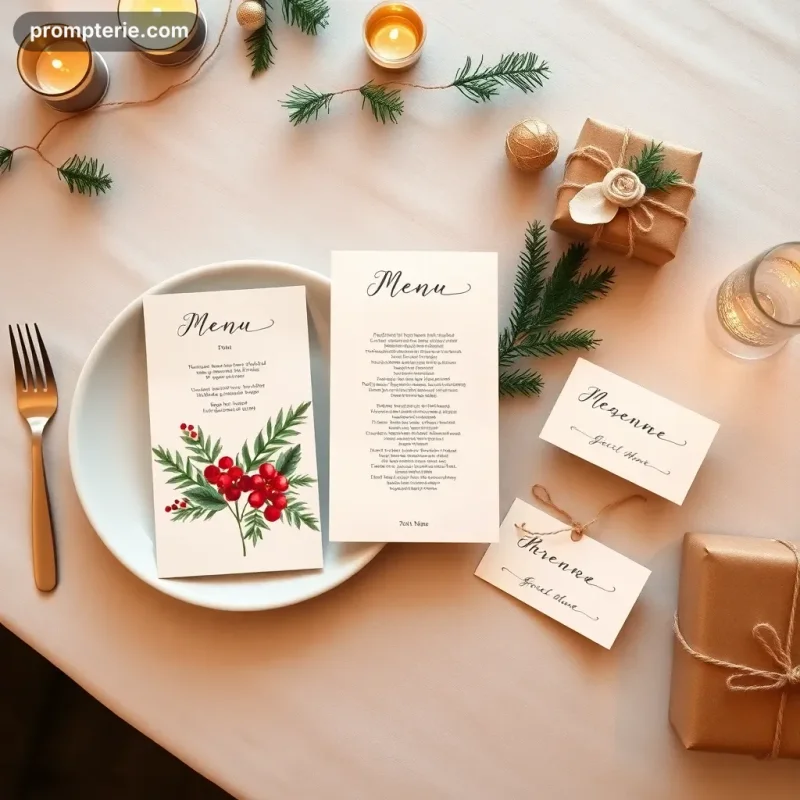
Christmas Table Decor: Printable Place Cards, Menu and Matching Gift Tags
by La Prompterie
 Premiumfr
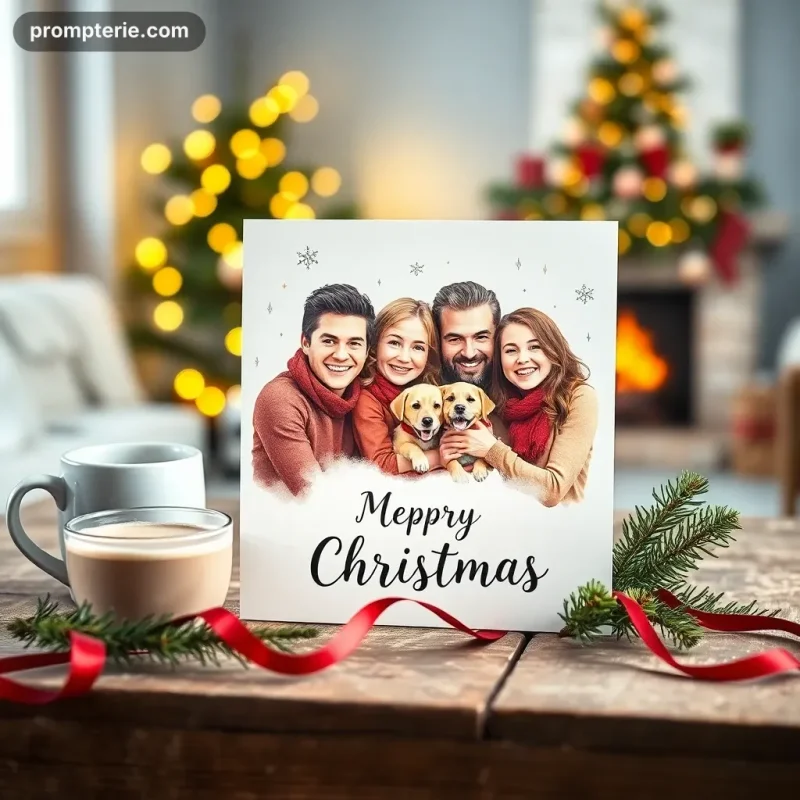
Personalized Family Photo Holiday Card: Illustrated Christmas Scene and Message
by magot2000
Getting the most from Cards & Invitations prompts
This category gathers AI prompts designed to create print-ready cards and invitations: greeting cards, announcements, birthday or party invitations. It belongs to the "Printables & Resell" section, aimed at anyone who wants to produce polished visuals for personal use or to sell.
For now, the category offers one prompt: a personalized greeting card featuring your family photo, an illustrated Christmas backdrop and a message. It shows the intended use well: start from a simple idea, adapt it with your own photo and text, then get a visual in card format.
To use a prompt, copy it into your AI tool (ChatGPT, Midjourney or another image generator), replace the customizable elements such as the name, message, colors or style, and regenerate until you get the result you want. Then check the resolution and format before printing: 300 dpi is generally recommended for a sharp result on paper. If you resell your creations, read the terms of use of the tool you used and make sure you have the rights to any photos included.
Frequently asked questions
What can I find in the Cards & Invitations category?
It offers AI prompts for creating printable greeting cards and invitations. The catalog is still small: it currently includes one prompt for a personalized Christmas greeting card with a family photo.
How do I use a prompt to create a personalized card?
Copy the prompt into your AI tool, then adapt the variable elements: message, names, colors, decor style. If the tool accepts images, add your photo. Regenerate several times and keep the version you like best.
Which AI tool do I need to use these prompts?
It depends on the prompt: an image generator such as Midjourney or ChatGPT's image generation usually works for the artwork. Check the prompt page for the recommended tool and any settings.
What resolution do I need to print a card or invitation?
Aim for 300 dpi at the final print size for a sharp result. For example, a 15 x 10 cm card needs about 1,800 x 1,200 pixels. If the generated image is too small, use an upscaling tool before printing.
Can I resell cards created with these prompts?
Often yes, but it depends on the terms of use of the AI tool you used and on the rights to any elements you add, such as photos. Check these points before selling, and never sell images of people without their consent.