
Prompts for posters
11 prompts
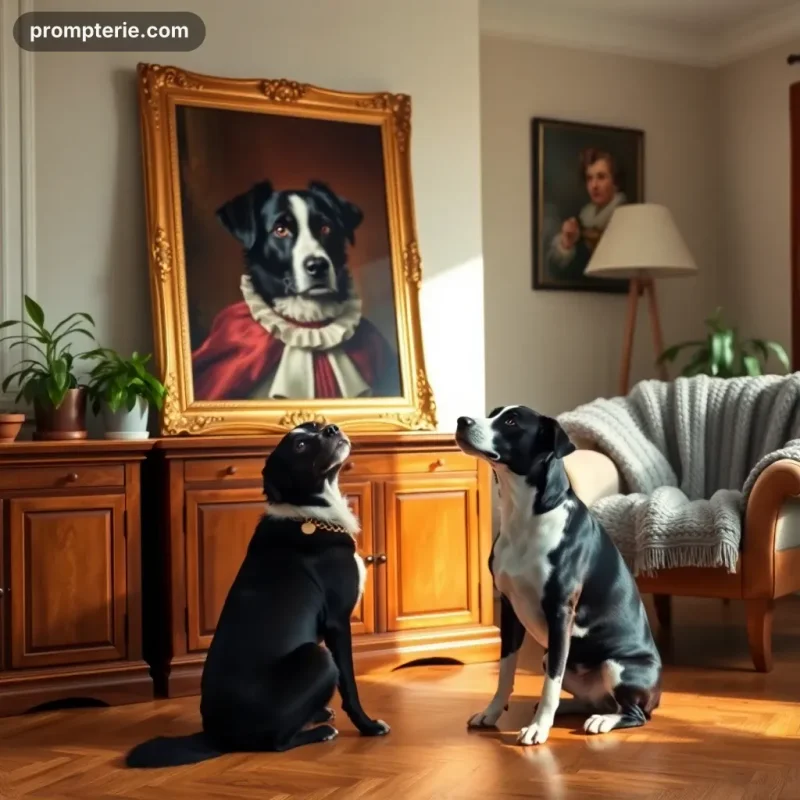 Premiumfr
Your Dog or Cat as a Masterpiece Oil Painting Portrait
by La Prompterie
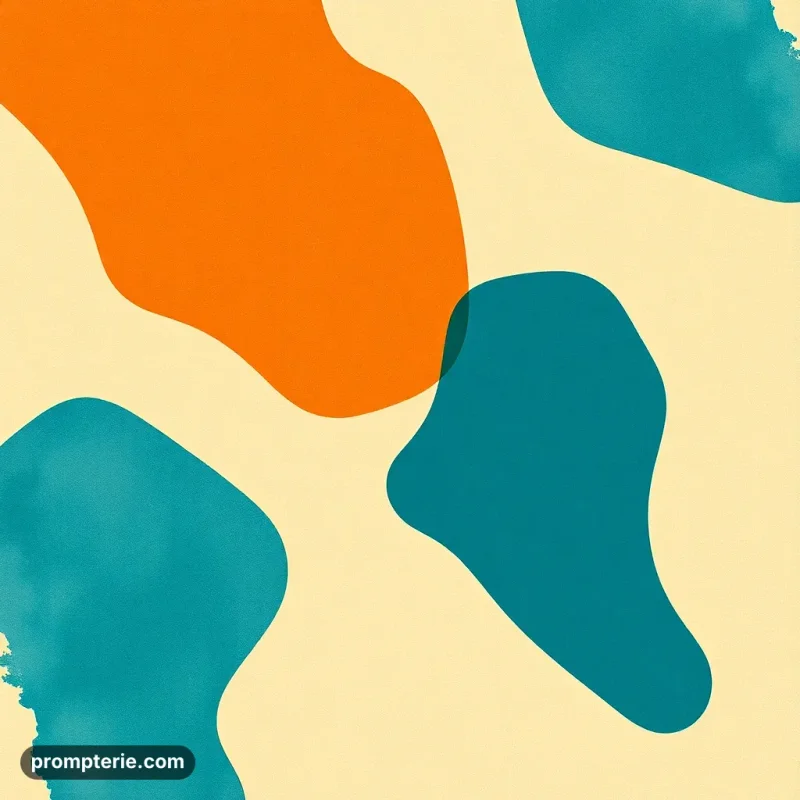 Freeen
Abstract Digital Composition
by La Prompterie
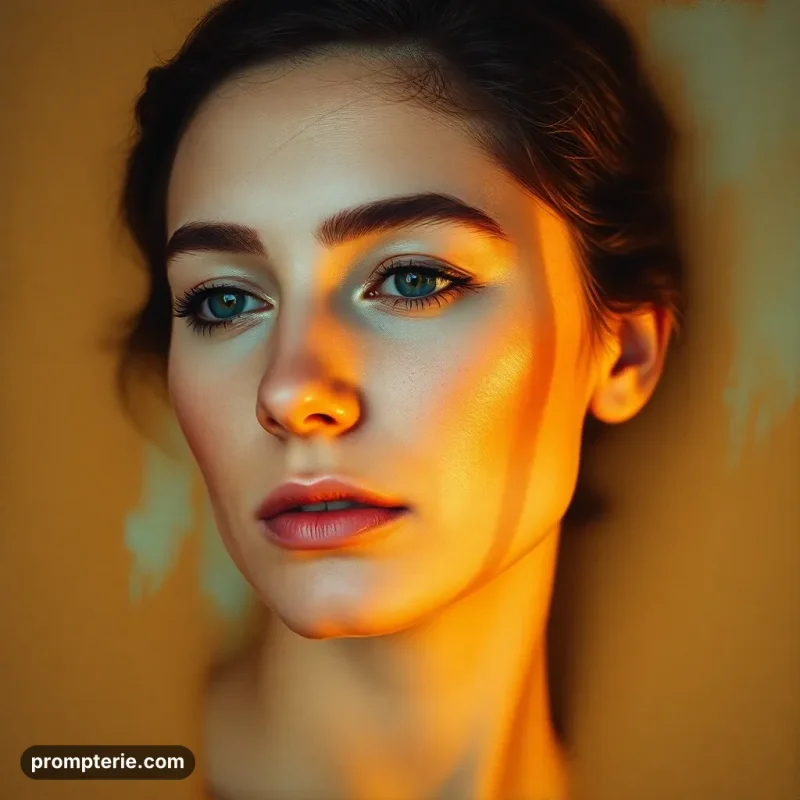 Freeen
Female Portrait Oil Painting Style
by La Prompterie
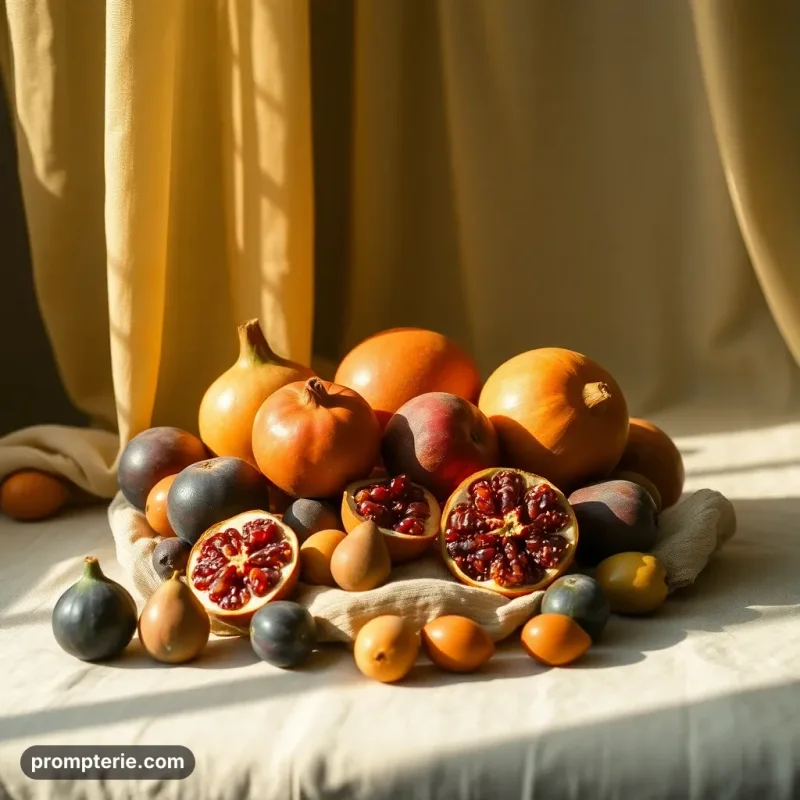 Freeen
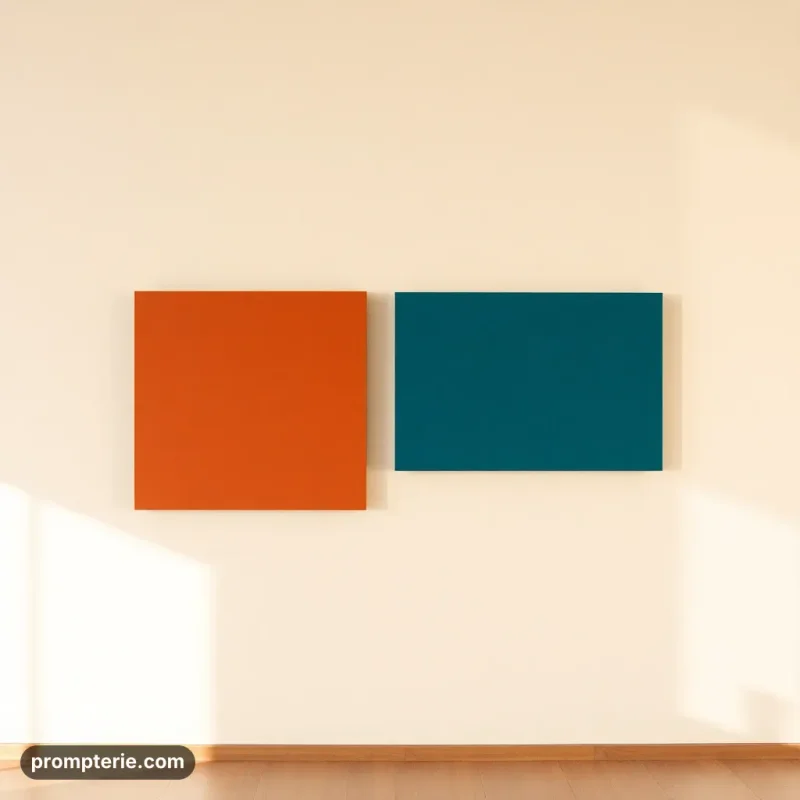
Contemporary Still Life Fruits
by La Prompterie
 Freeen
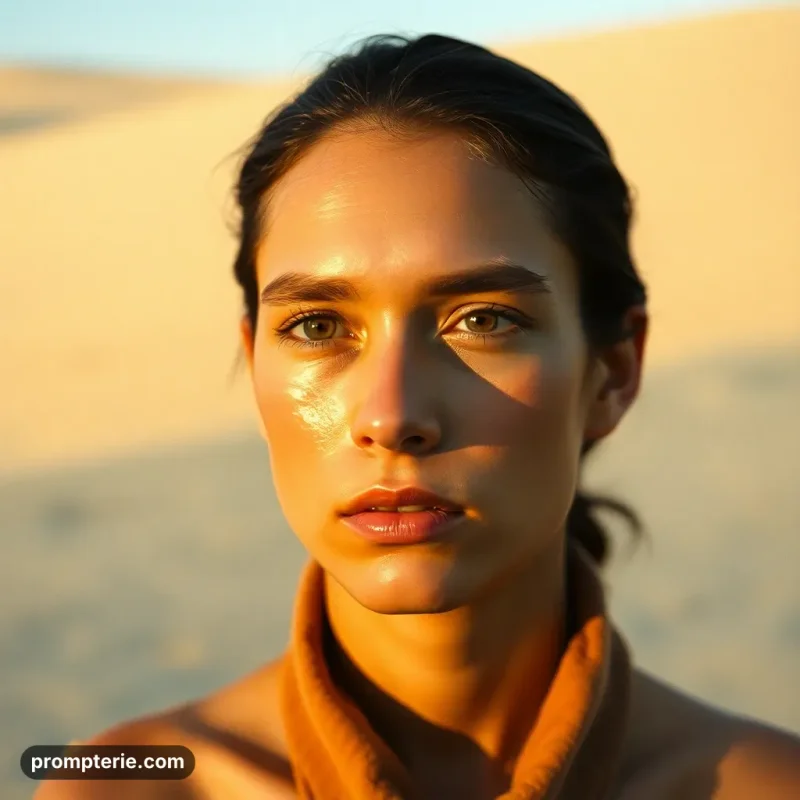
Minimalist Poster Graphic Design
by La Prompterie
 Freeen
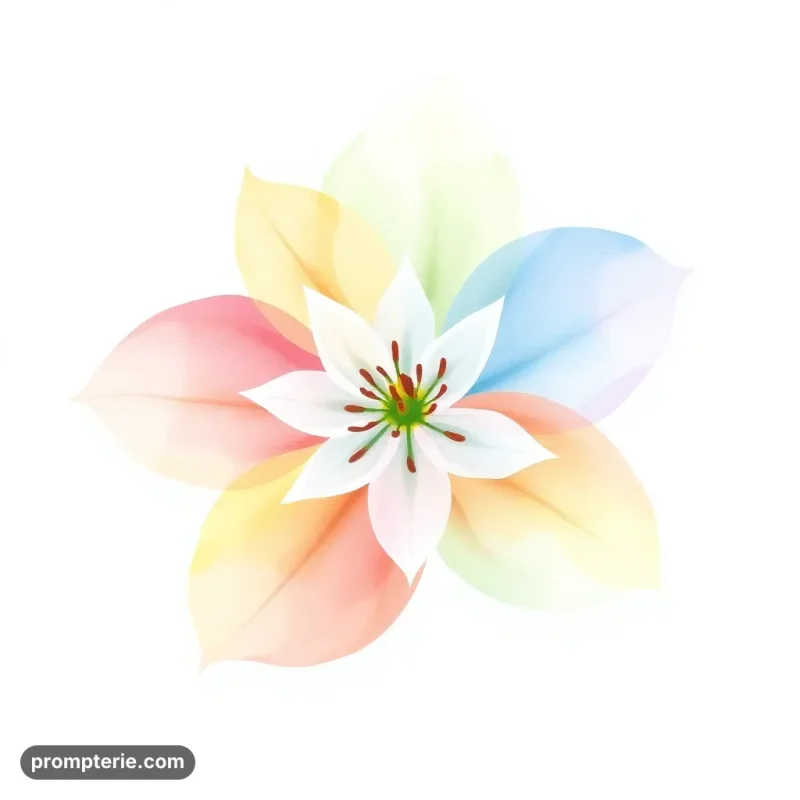
Classical Oil Painting Portrait
by La Prompterie
 Freeen
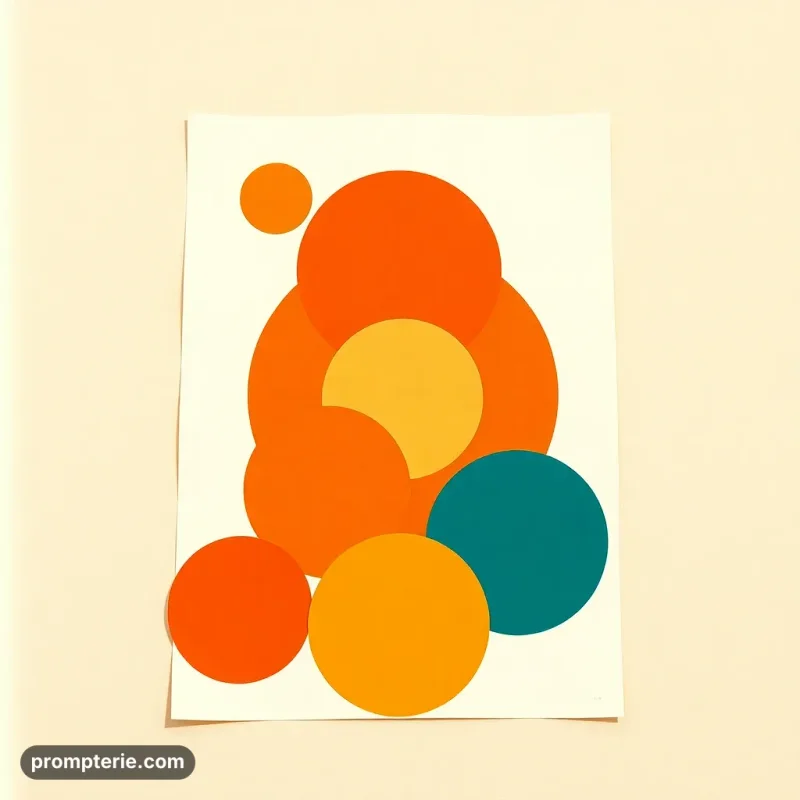
Watercolor Flower Illustration
by La Prompterie
 Freeen
Retro Vintage Poster 1970s Style
by La Prompterie
 Freeen
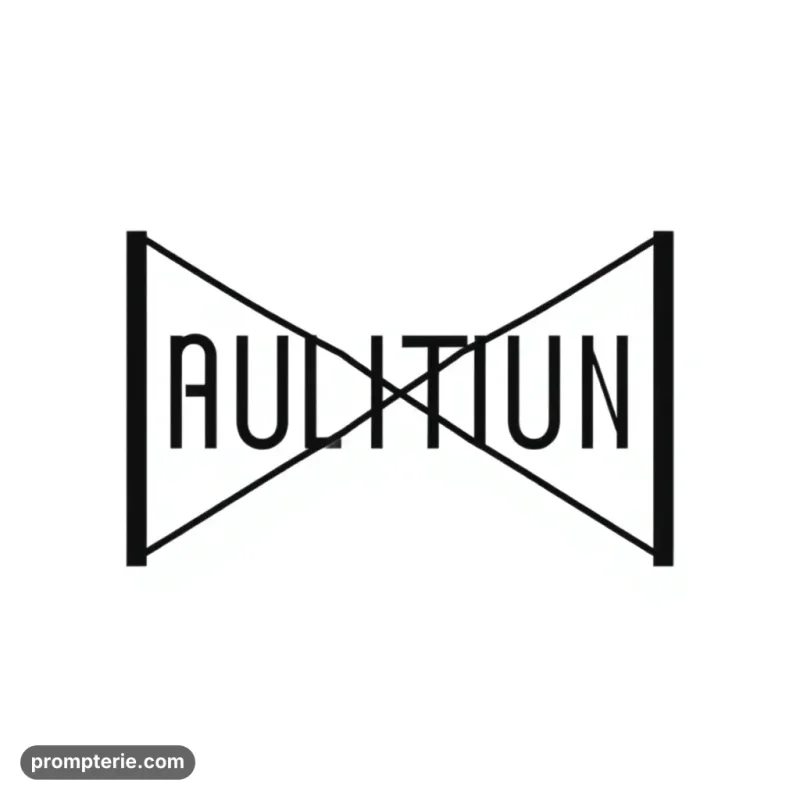
Minimalist Typography Poster
by La Prompterie
 Freeen
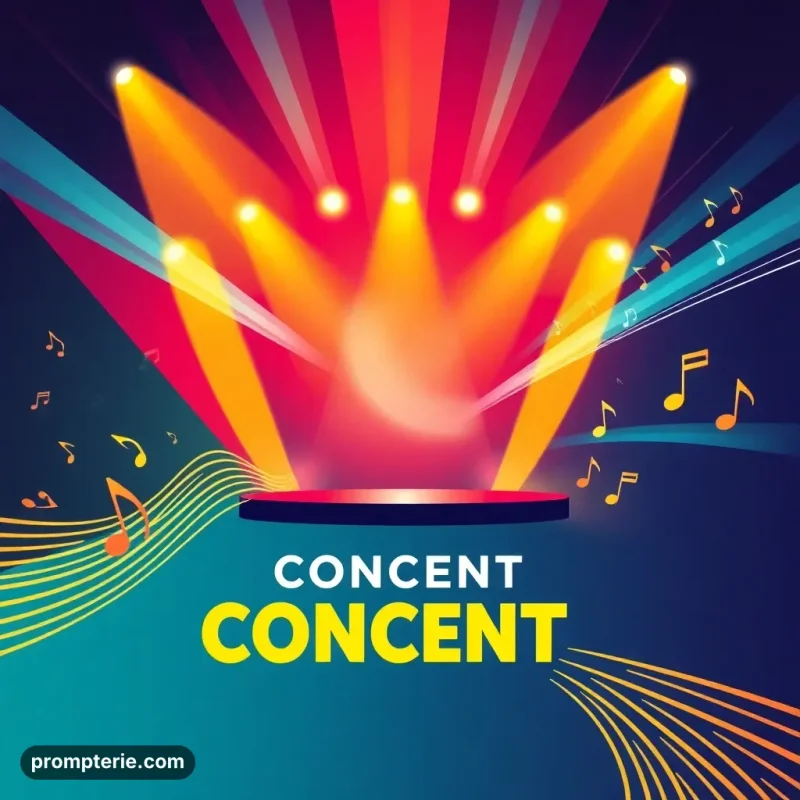
Concert Event Poster Design
by La Prompterie
 Freeen
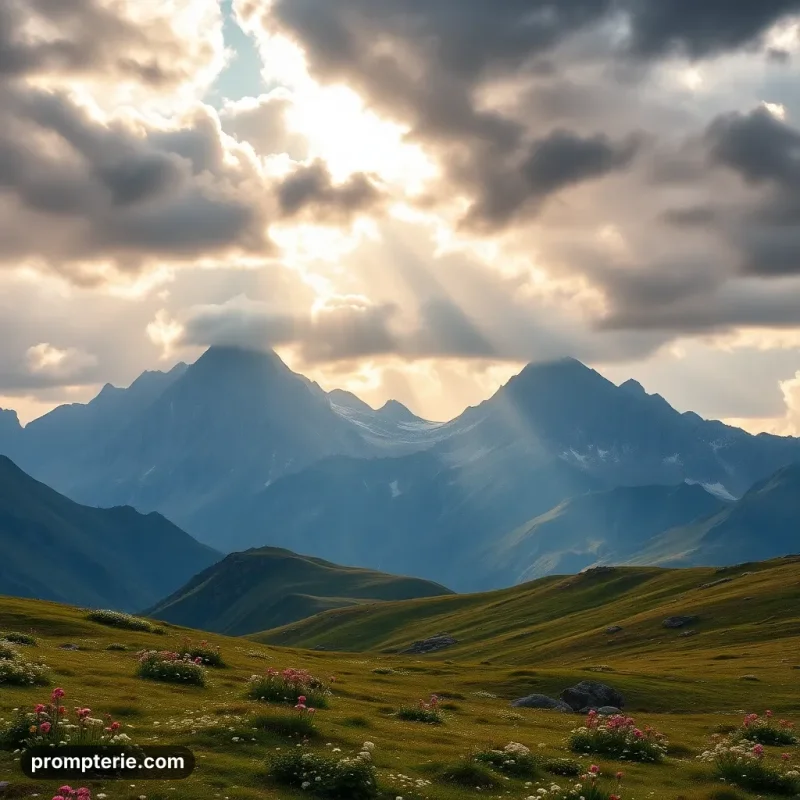
Mountain Landscape Photography
by La Prompterie
Getting the most from Posters prompts
This category brings together AI prompts to generate posters that are ready to print, give away or resell. You will find five very different templates: a minimalist typographic poster, a retro-vintage 70s-inspired poster, a concert event poster, a minimalist graphic design poster and a cartoon-themed birthday poster.
These prompts are meant for online shop owners (Etsy, print-on-demand), designers looking for a starting point, associations and event organisers, and anyone who wants to decorate a space without relying on stock images. Each prompt describes the style, composition, color palette and mood, so you never start from a blank page.
To use them, copy the prompt into your image generator (Midjourney, DALL·E or a compatible tool), then replace the texts with your own: event name, date, first name, colors. Generate in high resolution, or run an upscaler, before printing. Check the commercial-use terms of your generator and proofread any text produced by the AI, as it may contain errors.
Frequently asked questions
Can I sell the posters created with these prompts?
Usually yes, but it depends on the terms of the AI tool you use, so read its commercial-use rules. Also avoid artist names, brands or protected characters in your visuals.
Which image generator should I use with these prompts?
They are designed for common image generators such as Midjourney or DALL·E. Results vary between tools, so you may need to slightly adjust the wording or settings to get the style you want.
How do I get a print-quality poster?
Generate the image at the highest resolution available, then use an upscaler to reach 300 dpi at your target size (A4, A3, 50×70 cm). Check the sharpness of text and edges before sending the file to the printer.
How do I customise the text on an AI-generated poster?
You can change the text in the prompt, in quotation marks, but AI tools often misspell letters. The most reliable approach is to generate the artwork without text, then add the typography in an editor such as Canva or Photoshop.
What poster sizes can I create?
All common sizes: A4, A3, 30×40 cm, 50×70 cm. Set the aspect ratio in your generator (for example 2:3 or 3:4 portrait) so the composition fits from the start, without heavy cropping.